Standard Setup of Toolchain for Windows
Introduction
Windows doesn’t have a built-in “make” environment, so as well as installing the toolchain you will need a GNU-compatible environment. We use the MSYS2 environment to provide this. You don’t need to use this environment all the time (you can use Eclipse or some other front-end), but it runs behind the scenes.
Toolchain Setup
The quick setup is to download the Windows all-in-one toolchain & MSYS zip file from dl.espressif.com:
https://dl.espressif.com/dl/esp32_win32_msys2_environment_and_toolchain-20170330.zip
Unzip the zip file to C:\ (or some other location, but this guide assumes C:\) and it will create an msys32 directory with a pre-prepared environment.
Check it Out
Open a MSYS2 MINGW32 terminal window by running C:\msys32\mingw32.exe. The environment in this window is a bash shell.
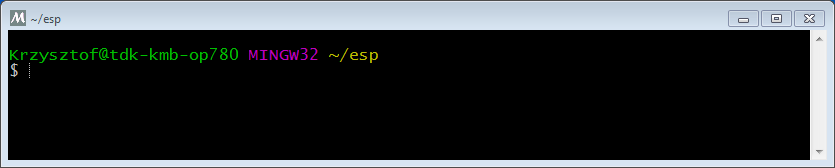
MSYS2 MINGW32 shell window
Use this window in the following steps setting up development environment for ESP32.
Next Steps
To carry on with development environment setup, proceed to section Get ESP-IDF.